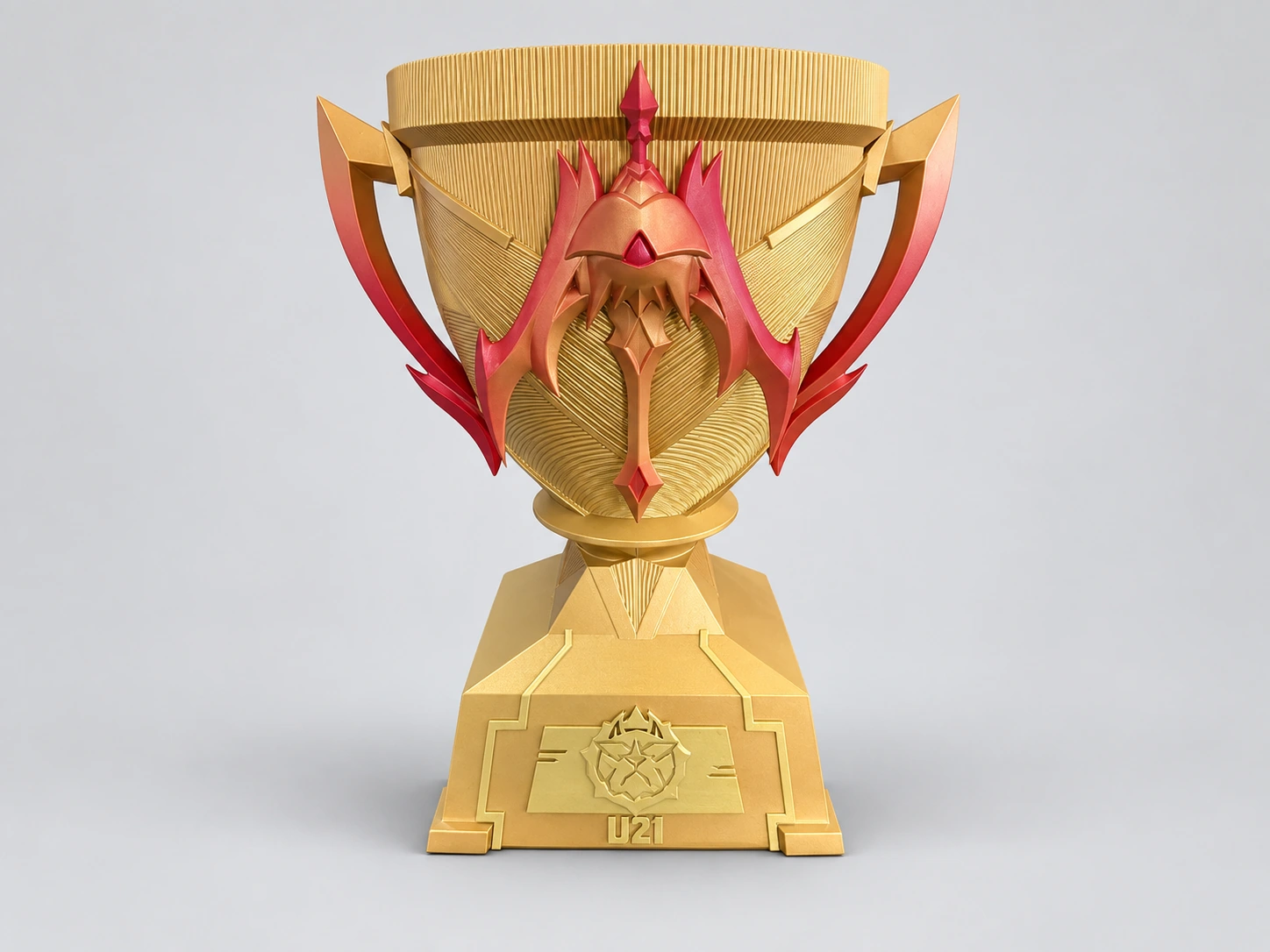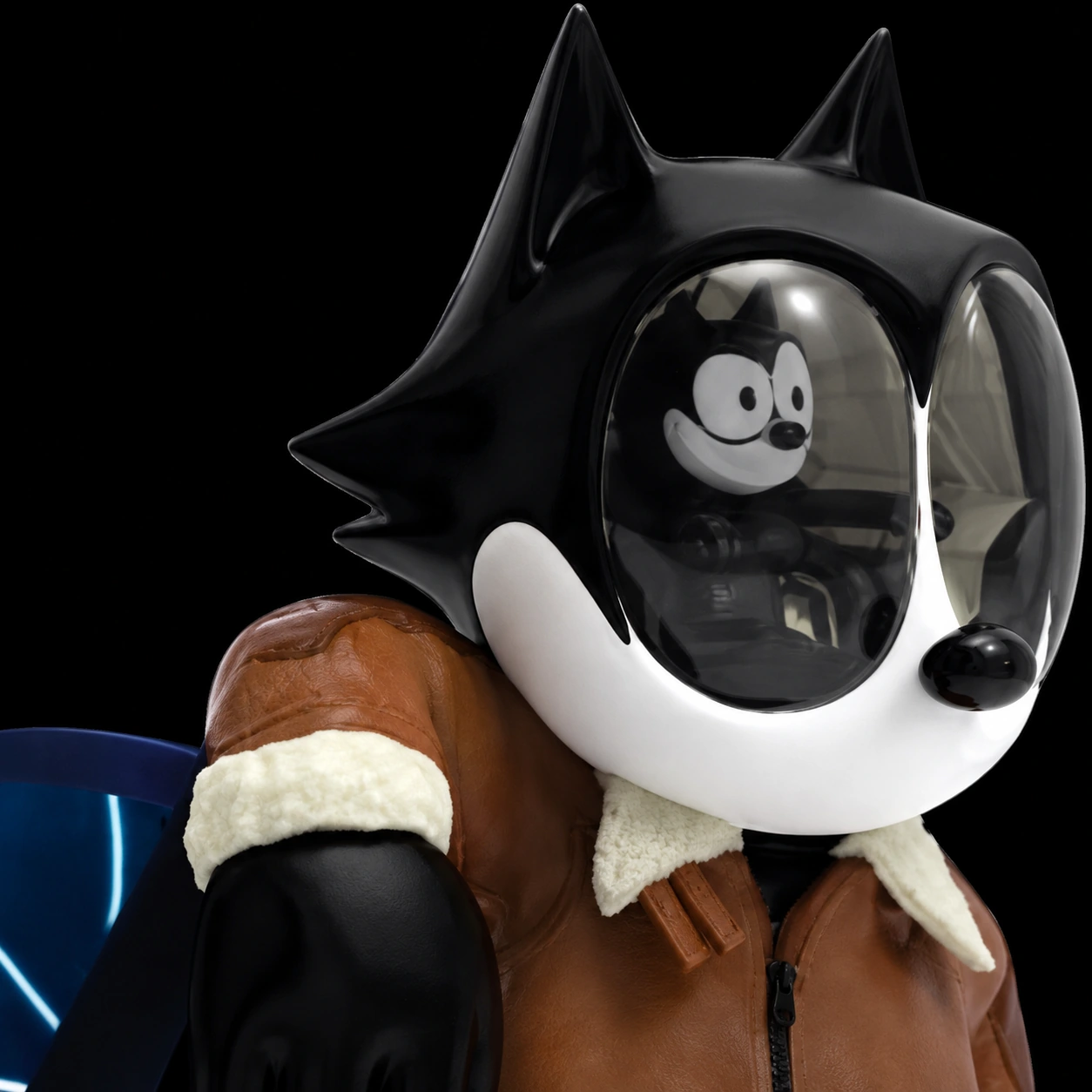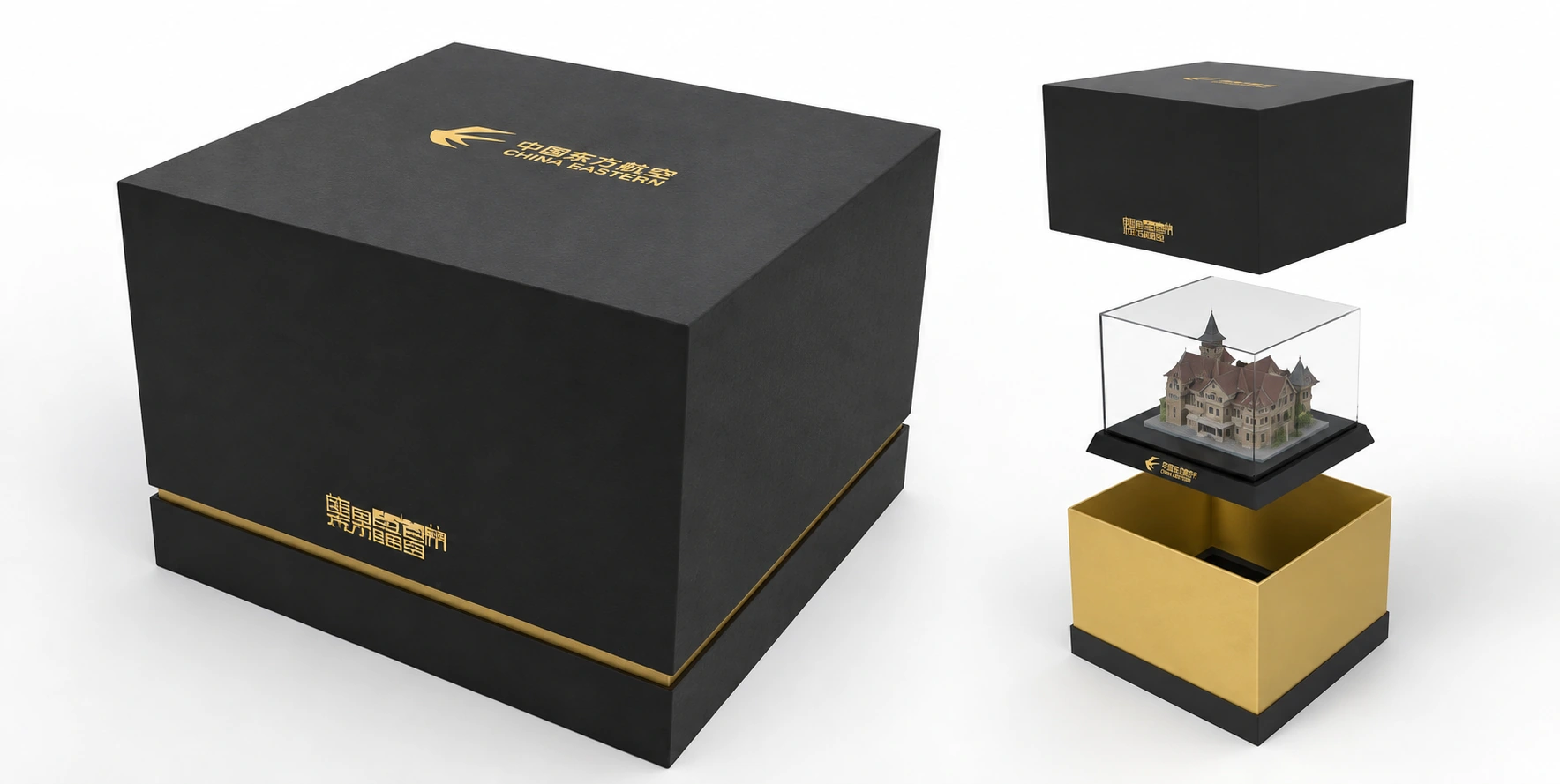
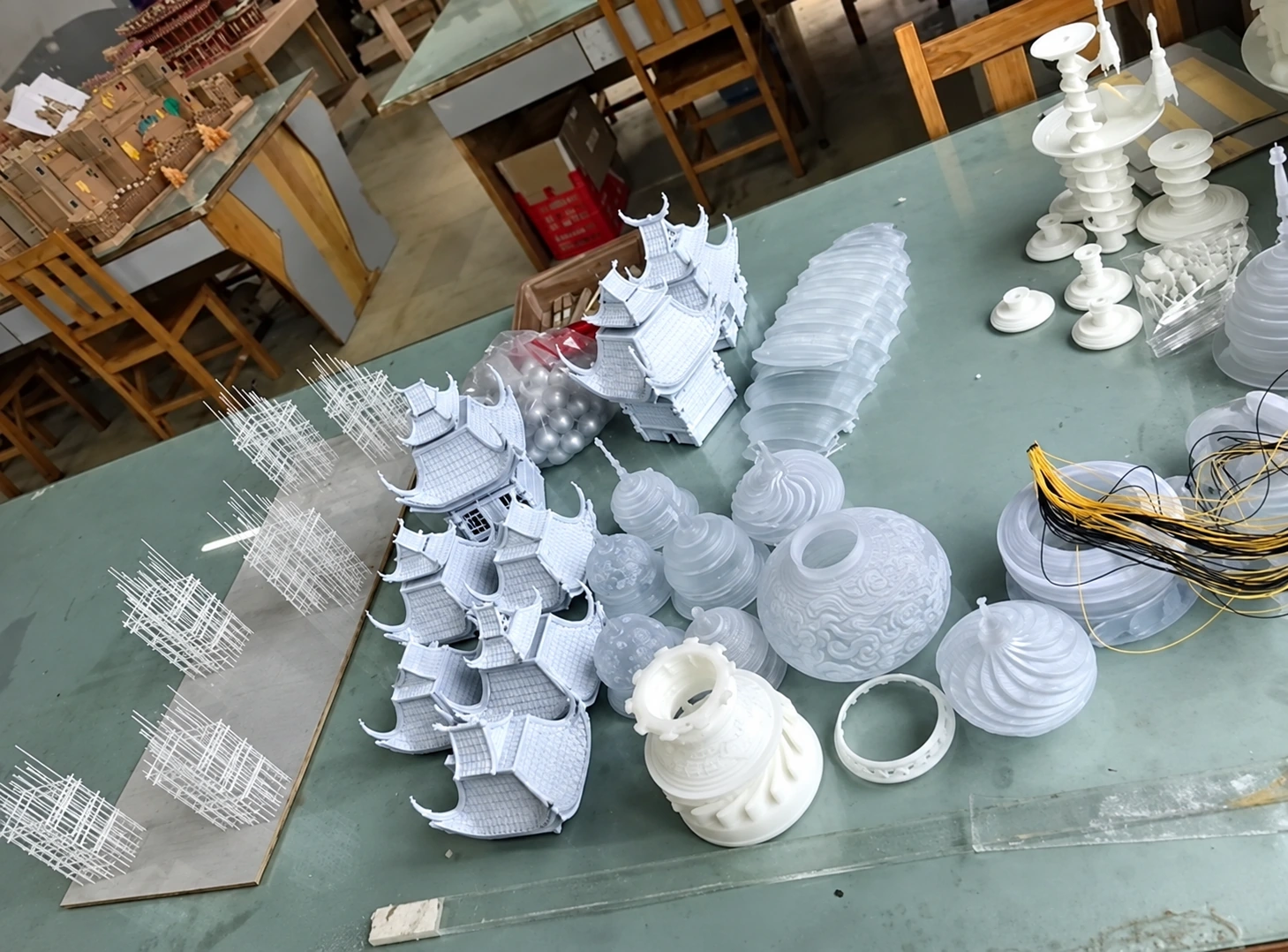
A sketch, reference image or PDF can start a custom project conversation. If you have a 3D model, share an STL or OBJ along with the intended dimensions and units. Add quantity, finish references, deadline and destination so the file can be understood in context.
Start with the information you already have
You do not need to complete a 3D model before asking whether an idea is feasible. A reference image or sketch can communicate the overall goal. Identify what is fixed, what is open to design development and which features are essential to the result.
A file-ready manufacturing request and a request that includes design development need different scopes. Say whether you need help with the concept, 3D modeling, preparation for printing or only production. This avoids treating an attractive visual as a production-ready model.
Choose files that explain shape and appearance
Use a 3D file to communicate geometry and a separate reference to show the intended colors, finish or presentation. If the model is only one part of an assembly, include an image of the complete object so the relationship between components is clear.
Keep file names understandable. A simple name such as “award-body-v03.stl” is more useful than several files all called “final.” Identify the version to be quoted and explain any difference between the 3D model and the visual reference.
| Available material | What to include |
|---|---|
| Sketch or reference image | JPG, PNG or WebP plus size and intended use |
| Drawing or brief | A PDF with dimensions, notes and finish references |
| 3D geometry | STL or OBJ, with units and overall dimensions stated separately |
| Multiple components | A labeled assembly view and an explanation of what is included |
State units and dimensions explicitly
Always give at least one overall dimension in the written brief, even when it appears in a file name. State whether the measurement is in millimeters, centimeters or inches. Also say whether it includes the base, cover or attached accessories.
For a part that fits another object, identify the critical interface rather than providing only an overall size. Explain whether you need a visual model or a functional fit. Tolerances and inspection requirements should be agreed for the chosen process and material before production.
A supplier may need to review whether a mesh represents a printable volume and whether thin features, cavities or separate shells need attention. If you know there are incomplete areas or uncertain dimensions, flag them instead of assuming they will be interpreted automatically.
Use the Nexbie inquiry form’s supported formats
The Nexbie inquiry form accepts JPG, PNG, WebP, PDF, STL and OBJ files. You can attach up to three files, with a maximum of 8 MB per file and 16 MB combined. Email is the only required field; attachments and project details are optional.
For a larger model, submit a smaller reference pack first and explain that a detailed file is available. Contact the team to agree a suitable transfer method. The form does not currently accept ZIP archives, STEP files or separate material libraries, so do not rely on those being attached through this upload field.
- Check that each attachment opens before sending it.
- Include only the version you want reviewed.
- Show the intended finish in an image or PDF.
- Share only files and artwork you have the right to provide.
Add the context that turns files into a brief
Quantity, target date and destination help define the production and delivery scope. A budget range can also help the team suggest appropriate options. If the event date is fixed, give the date the finished pieces must arrive rather than simply naming the month.
A concise first inquiry might read: “Please review this model for 30 indoor display pieces, approximately 200 mm tall including the base, with a matte painted finish. The reference PDF shows the colors and inscription.” This is an illustrative brief, not a standard product specification.
After submitting, keep the confirmation reference for follow-up. A submitted brief starts the conversation; it does not place an order. Pricing, approval stages, payment terms and timing are confirmed individually once the scope has been reviewed.
Common questions
Can I request a quote with just an image?
Yes. An image can start the discussion. Include approximate size, quantity and finish expectations; design development may be needed before a production quotation is confirmed.
Can I upload a STEP or ZIP file?
The current form supports JPG, PNG, WebP, PDF, STL and OBJ only. Send a supported reference file first and ask the team to agree a transfer method for other formats.